Two-Factor Authentication (2FA) Explained: Complete Guide
Two-factor authentication (2FA) adds a second verification step beyond your password. Even if someone steals your password, they can't access your account without the second factor. It's one of the most effective ways to protect yourself online.
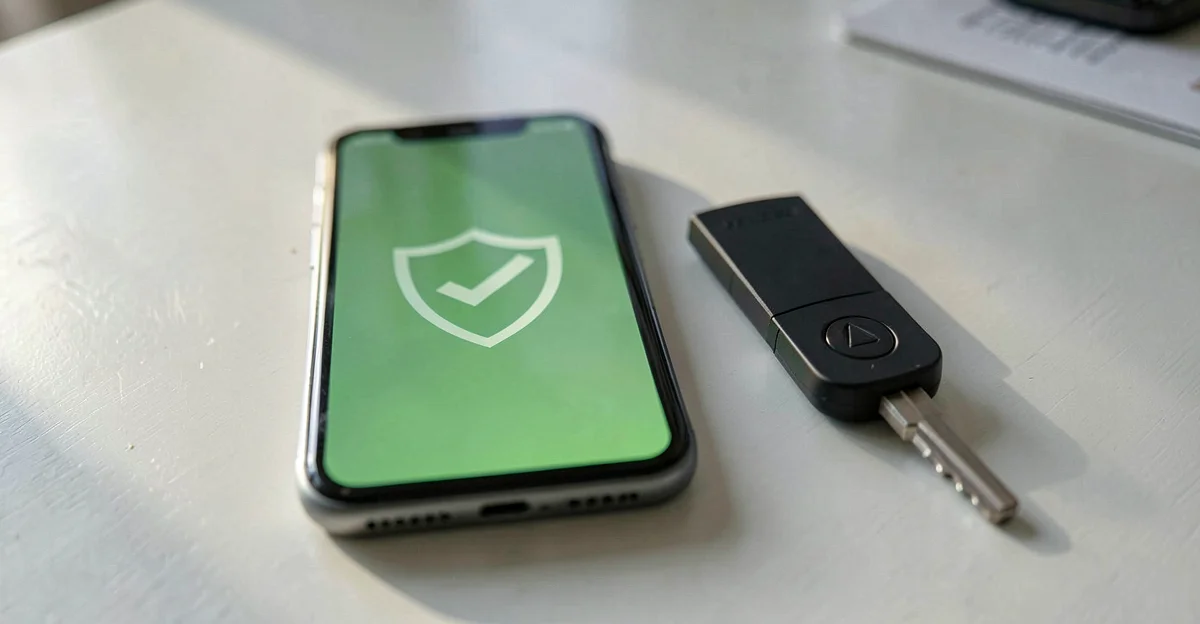
What is Two-Factor Authentication?
Two-factor authentication (2FA), also called multi-factor authentication (MFA), requires you to prove your identity using two different methods before accessing an account. It's like having two locks on your door instead of one. Combined with strong passwords, 2FA provides robust protection against phishing and credential theft.
Something you know
Password, PIN, security question
Something you have
Phone, hardware key, smart card
Something you are
Fingerprint, face scan, voice
Why Passwords Alone Aren't Enough
Passwords have fundamental weaknesses that attackers exploit every day:
Data Breaches
Billions of passwords have been leaked online. Hackers try these stolen passwords on other sites.
Credential Stuffing
Automated attacks try leaked username/password combinations across thousands of websites.
Phishing
Fake login pages trick people into entering their passwords, which attackers then capture.
Weak Passwords
People reuse passwords and choose simple ones. "123456" remains the most common password.
Keyloggers
Malware can record everything you type, including passwords.
Shoulder Surfing
Someone watching you type can see your password.
When MFA Itself Is Attacked
MFA blocks the vast majority of account attacks, but criminals have adapted. Three patterns from 2026 show where the gaps are:
Proxy phishing (Tycoon 2FA)
Phishing-as-a-service platforms relay your login, including the MFA code, to the real site in real time and steal the session. Europol and Microsoft dismantled the Tycoon 2FA platform in March 2026: around 500 Belgian victims and 96,000 worldwide.
Helpdesk resets
Attackers phone the IT helpdesk impersonating an employee and ask for a credential or MFA reset. This Scattered Spider tactic drove the April 2026 attacks on UK retailers Marks & Spencer, Co-op and Harrods, with estimated losses of £270 to 440 million and four arrests by the UK National Crime Agency (NCA).
MFA-exempt accounts
At the Dutch municipality of Epe (breach detected March 12, 2026), attackers reached an emergency "break-glass" administrator account that had no MFA and exfiltrated 871 GB of data. Emergency accounts need MFA too.
Types of 2FA Methods Compared
Not all second factors are equally secure. Here's how they compare:
| Method | Security | Convenience | Cost |
|---|---|---|---|
| SMS codes | Medium | High | Free |
| Authenticator app | High | High | Free |
| Hardware security key | Very High | Medium | €25-50 |
| Biometrics | High | Very High | Device dependent |
SMS Codes
Pros
- + Easy to set up
- + No app needed
- + Works on any phone
Cons
- - Can be intercepted via SIM swapping
- - Requires cell signal
- - Vulnerable to phone number hijacking
Better than no 2FA, but not recommended for high-value accounts.
Authenticator Apps
Pros
- + More secure than SMS
- + Works offline
- + Free to use
- + Codes change every 30 seconds
Cons
- - Requires smartphone
- - Need to transfer when switching phones
Recommended for most people. Best balance of security and convenience.
Popular apps: Microsoft Authenticator, Google Authenticator, Authy, 1Password, Bitwarden
Hardware Security Keys
Pros
- + Most secure option
- + Phishing-resistant
- + Works even if phone is compromised
Cons
- - Costs money (€25-50)
- - Can be lost or forgotten
- - Not supported everywhere
Ideal for high-security needs: executives, IT admins, journalists, activists.
Biometrics
Pros
- + Very convenient
- + Can't be forgotten
- + Hard to steal
Cons
- - Can't be changed if compromised
- - Privacy concerns
- - Quality varies by device
Great as a second factor when combined with a password. Used in Windows Hello, Face ID, Touch ID.
Which 2FA Method Should You Use?
Our recommendation for most people:
Primary
Authenticator app (Microsoft Authenticator or Google Authenticator) for all accounts
Backup
Hardware key (YubiKey) for your most important accounts: email, password manager, banking
Avoid
SMS-only 2FA for high-value accounts (though it's still better than nothing)
How to Enable 2FA on Common Services
Most major services support 2FA. Here's where to find it:
2FA for Business: Why You Must Enforce It
For organizations, 2FA isn't optional—it's essential. A single compromised account can lead to data breaches, ransomware, and regulatory penalties.
NIS2 Requirement
The EU NIS2 directive requires "basic cyber hygiene" including access control measures. 2FA is a fundamental control.
GDPR Implication
Article 32 requires "appropriate security measures." Not using 2FA could be considered negligent.
Cyber Insurance
Many insurers now require MFA for coverage or offer discounts for implementing it.
Implementation Steps
Start with privileged accounts
IT admins, finance, executives—anyone with access to sensitive systems
Expand to all employees
Email, cloud apps, VPN access—all should require 2FA
Choose a standard method
Authenticator app is usually best for organizations
Provide backup options
Hardware keys or backup codes for when phones aren't available
Train your team
Explain why 2FA matters and how to use it
How Easy Cyber Protection Helps
Frequently Asked Questions
What's the difference between 2FA and MFA?
2FA (two-factor authentication) specifically requires exactly two factors. MFA (multi-factor authentication) means two or more factors. In practice, most people use these terms interchangeably. Both are much more secure than password-only authentication.
Is SMS 2FA secure?
SMS 2FA is better than no 2FA, but it's the weakest form. Attackers can intercept SMS codes through SIM swapping (convincing your carrier to transfer your number) or SS7 network vulnerabilities. For important accounts, use an authenticator app instead.
What if I lose my phone with the authenticator app?
This is why backup codes are crucial. When you set up 2FA, most services give you recovery codes—save these somewhere safe (not on your phone). You can also set up your authenticator on multiple devices, or use an authenticator that syncs to the cloud like Microsoft Authenticator or Authy.
Should my business require 2FA for all employees?
Yes. One compromised account can lead to ransomware, data theft, or business email compromise. Start with high-privilege accounts, then expand to all employees. Under NIS2 and GDPR, inadequate access controls can result in penalties.
Which authenticator app is best?
For most people: Microsoft Authenticator or Google Authenticator—both are free and easy to use. For backup across devices: Authy (syncs to cloud). For password manager users: 1Password or Bitwarden include authenticator features. All are good choices.
Related Articles
- What is Phishing? →
- Social Engineering Attacks →
- Strong Passwords Guide (coming soon)
- 2FA Setup Guide (coming soon)
- NIS2 Requirements →
Sources
- Microsoft Security: One simple action to prevent 99.9% of attacks — Microsoft Security Blog
- NIST SP 800-63B: Digital Identity Guidelines — Authentication and Lifecycle Management
- NIS2 Directive (EU) 2022/2555 — Access control requirements
- ENISA: Multi-Factor Authentication — European Union Agency for Cybersecurity